product
One canvas, from the part to the design space.
The product, screen by screen, in the order you meet them.
-
01 / 15
Projects
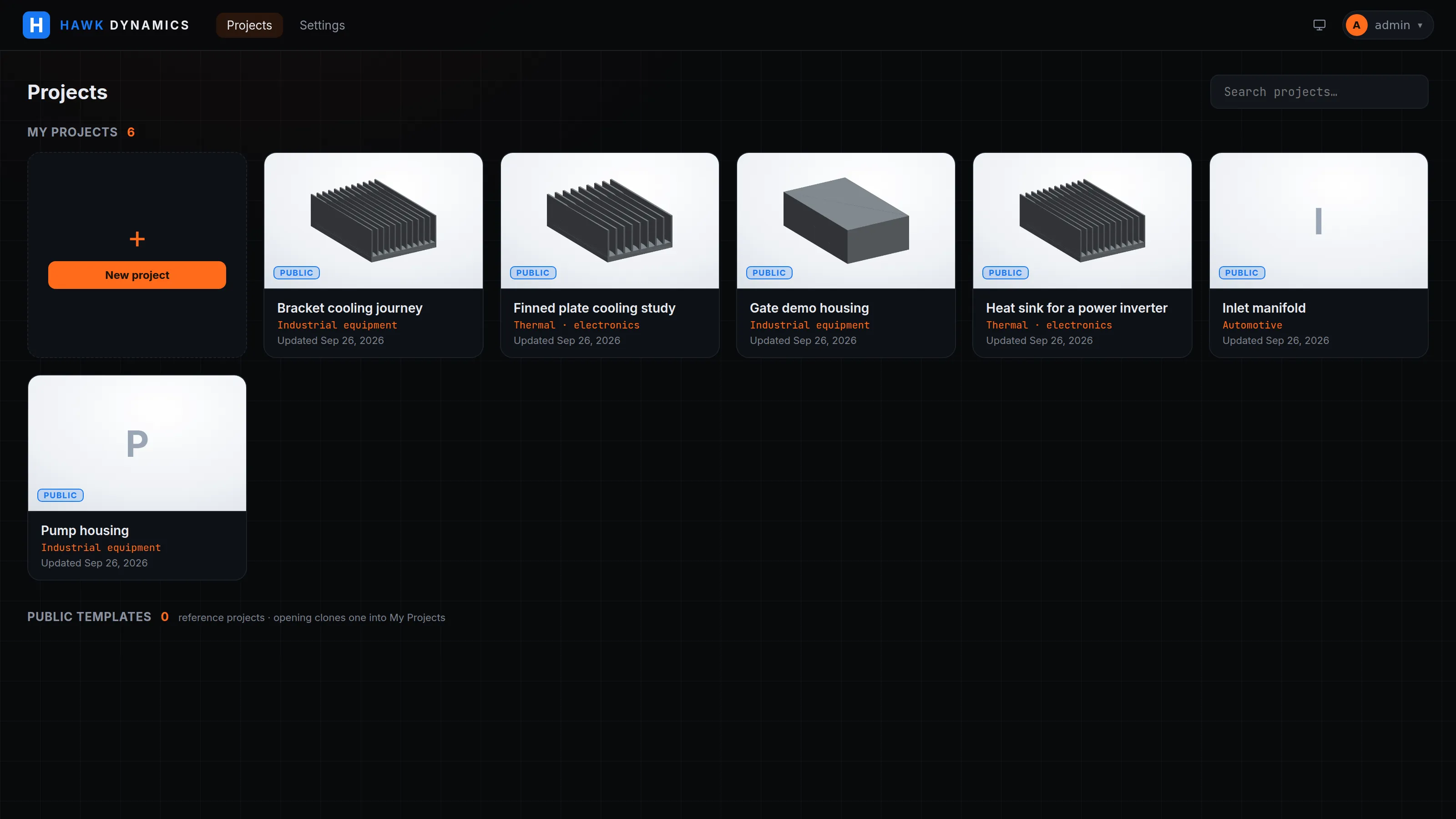
A project is one part or assembly and everything derived from it, under your organisation's tenant, with an industry category and a unit system. Clone a public project or duplicate your own.
-
02 / 15
Geometry
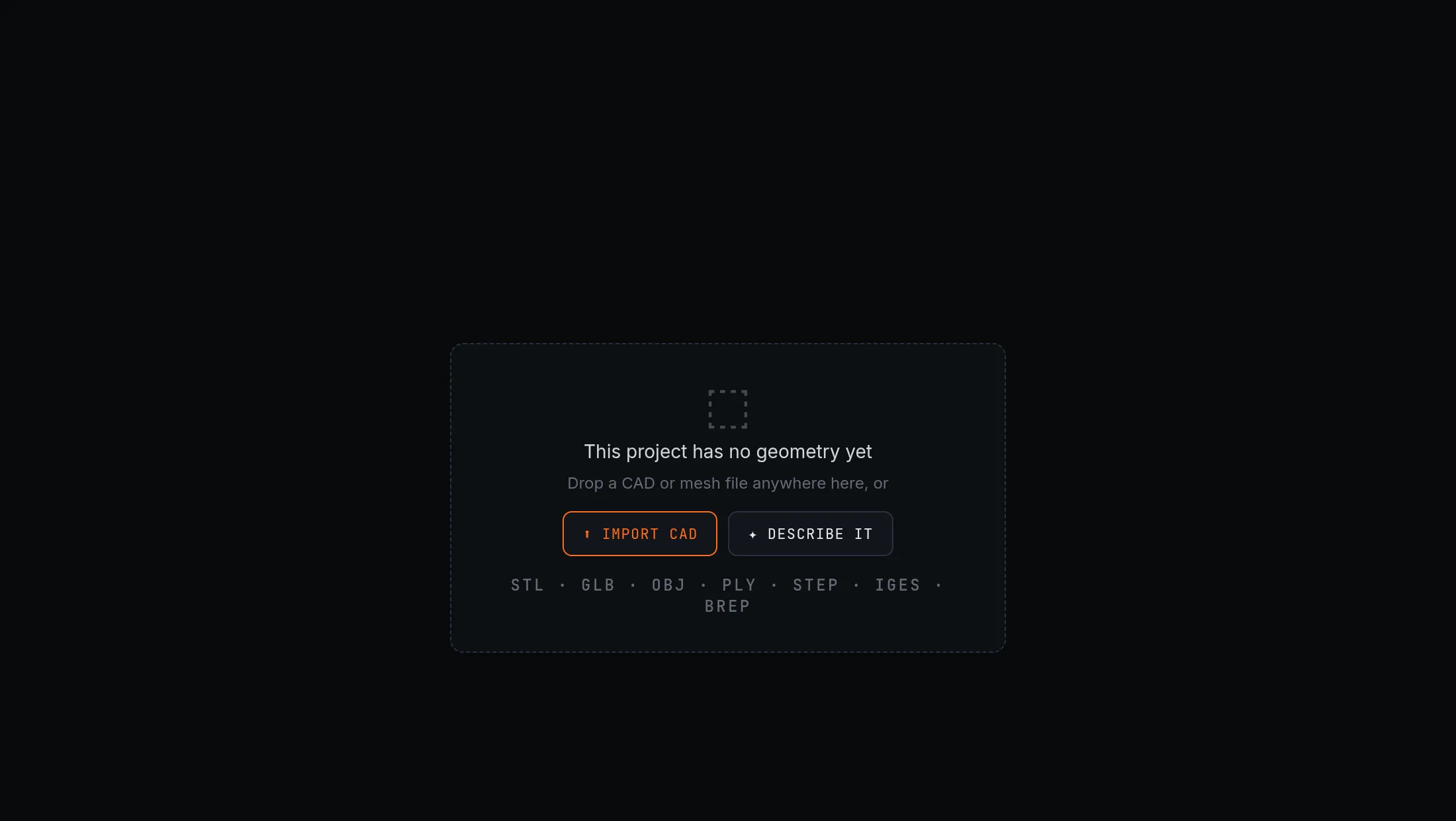
Import in seven formats or start from a parametric body: box, cylinder, pipe, sphere, finned plate. The kernel diagnoses the file (genus, self-intersections, units), heals it, and reports whether it is ready for the solver the node needs. Gmsh meshes from the B-rep, not from a tessellation.
-
03 / 15
The canvas
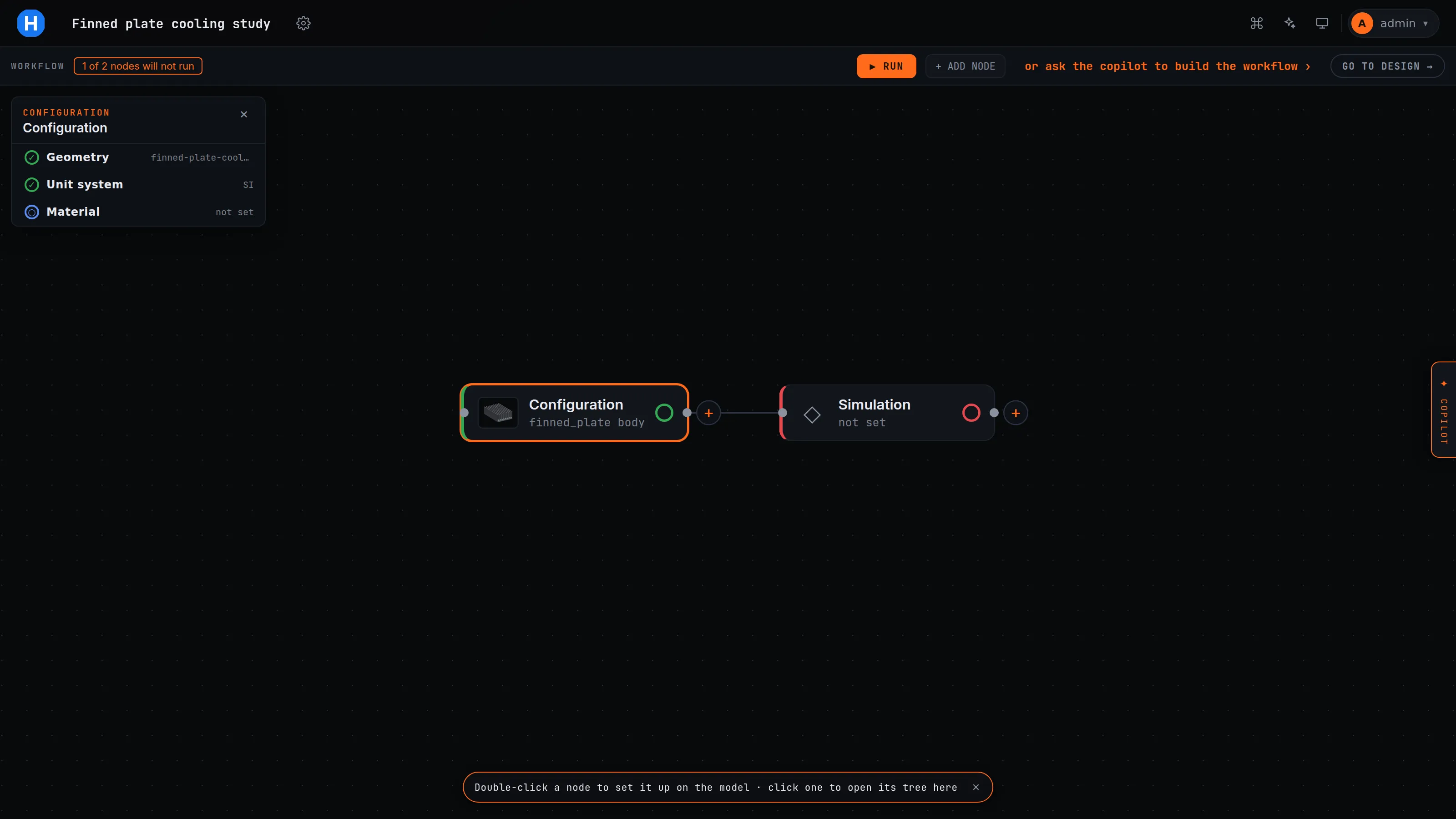
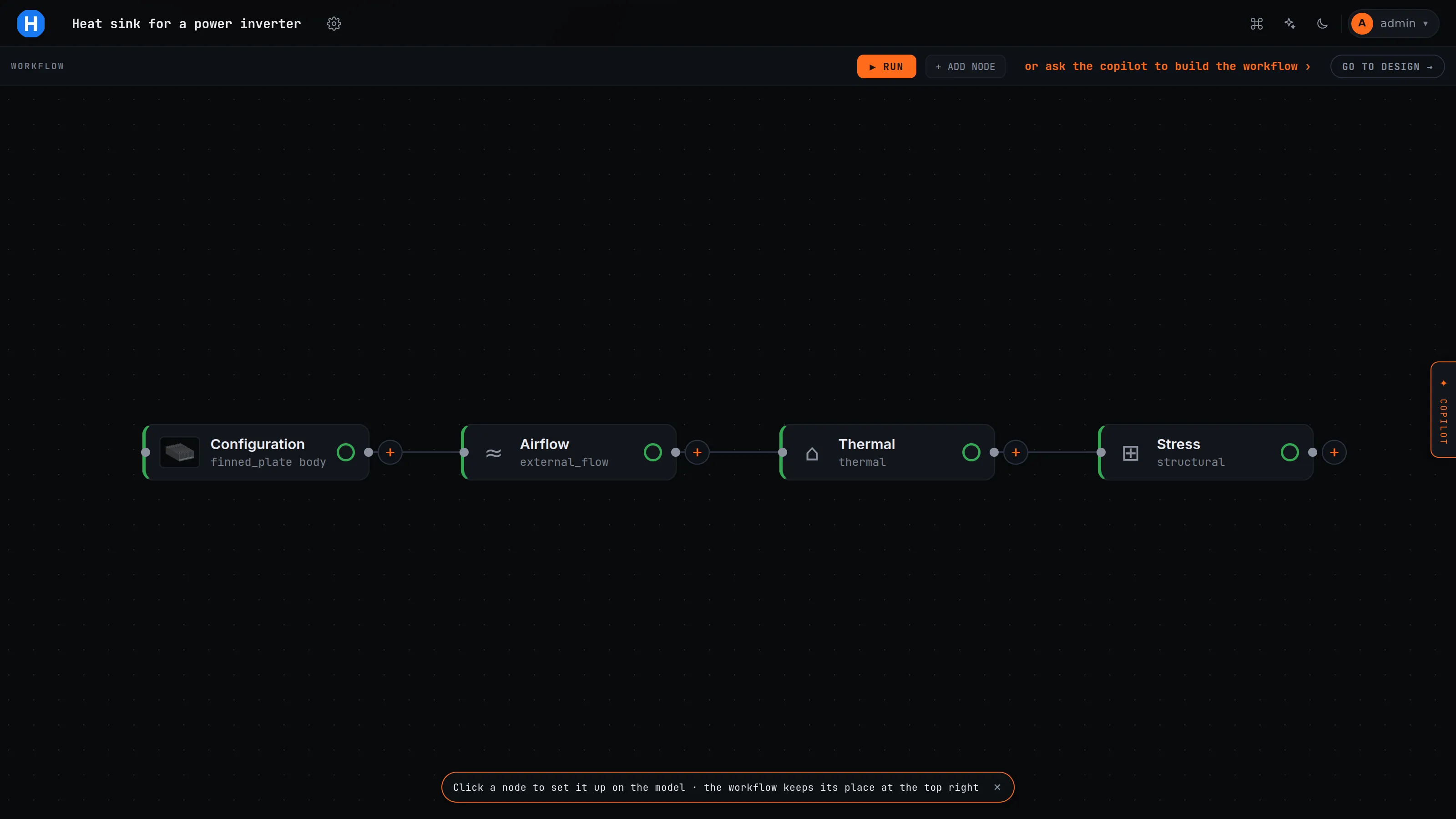
A Configuration node first, simulation nodes after it, edges as dependencies. Each node shows a status: not configured, incomplete, running, ran, failed. A cycle is refused at save.
-
04 / 15
A node
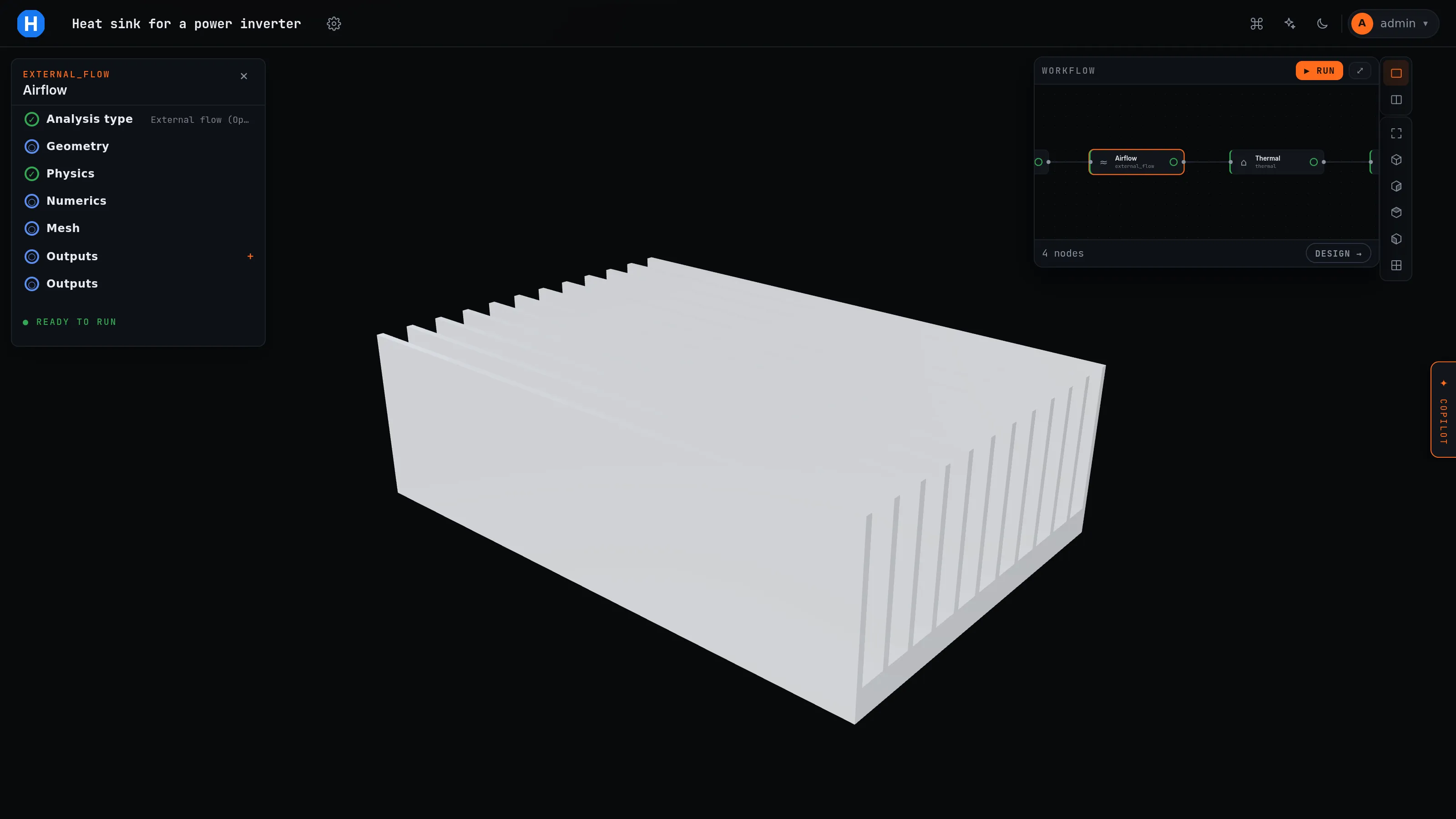
Pick the analysis type from the catalogue. The setup tree follows the atom's schema: domain, operating point, mesh, material, loads, boundary conditions, numerics, outputs. Twenty-four named checks refuse an invalid setup before any file is written, such as RANS without a Reynolds number or radiation without an emissivity.
-
05 / 15
Mesh
Gmsh from the CAD kernel with size fields, boundary layers from a y+ target and named patches; snappyHexMesh for the body-fitted OpenFOAM path. The mesh gate reads the cell metrics and refuses a bad mesh before a solver runs. The refusal is recorded as a failure node.
-
06 / 15
Run
The executor writes the Run node before the solver starts, runs nodes in dependency order in pinned containers, and blocks the successors of a failure. An unchanged case is served from the cache by its content hash.
-
07 / 15
Outputs and the viewer
Per-node tables, convergence against the run's declared criterion, and the field on the viewport: clip plane, colour map, warp, section, streamlines, one colour scale across a transient.
-
08 / 15
The registry
Every run with its state, gate verdict, reasons, and whether it is quotable.
-
09 / 15
The design space
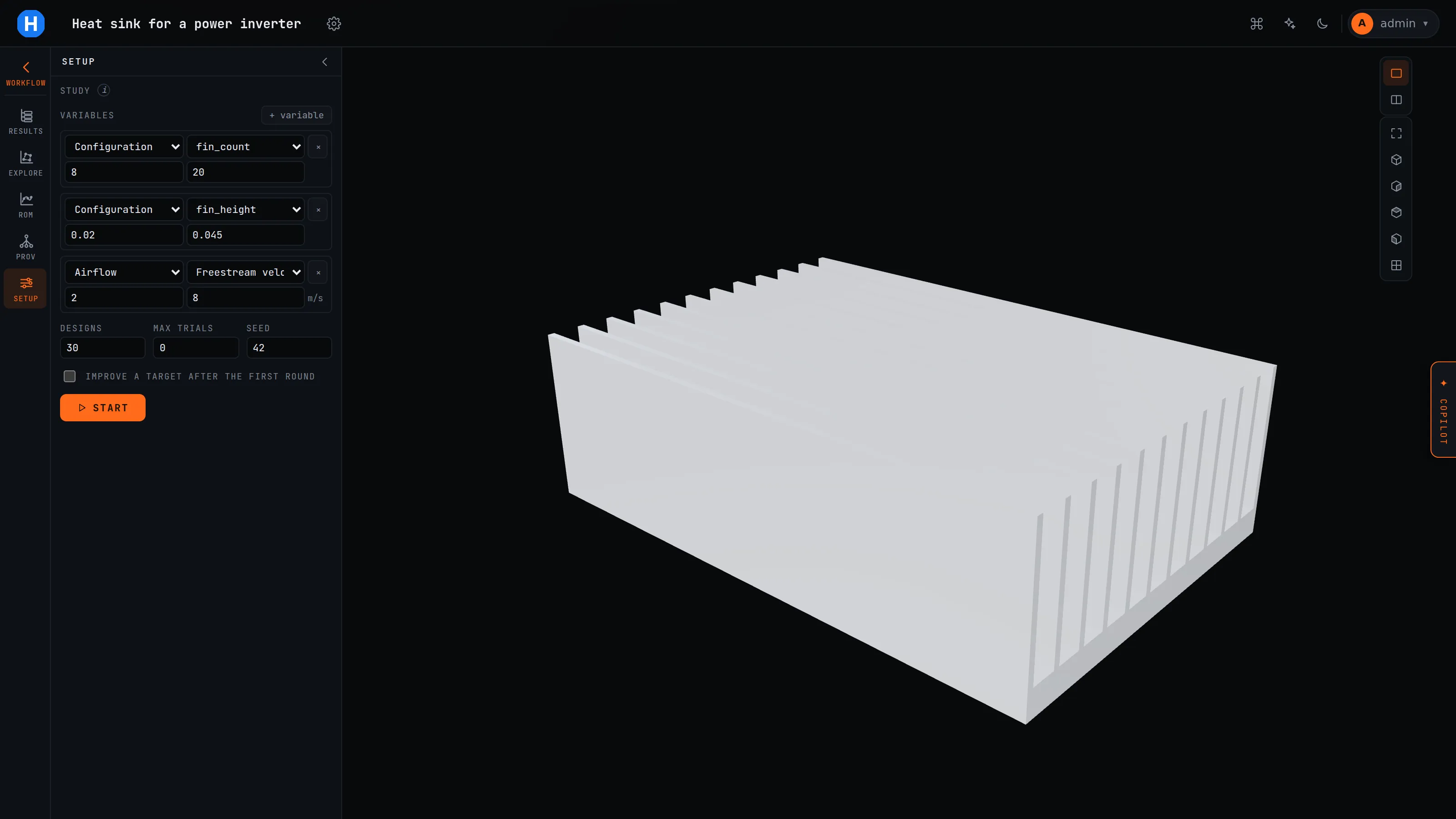
Variables with bounds and roles. A study samples a Latin hypercube, then Gaussian-process rounds with expected improvement. Sweeps and the Pareto front. Nothing executes until you press START.
-
10 / 15
The design twin
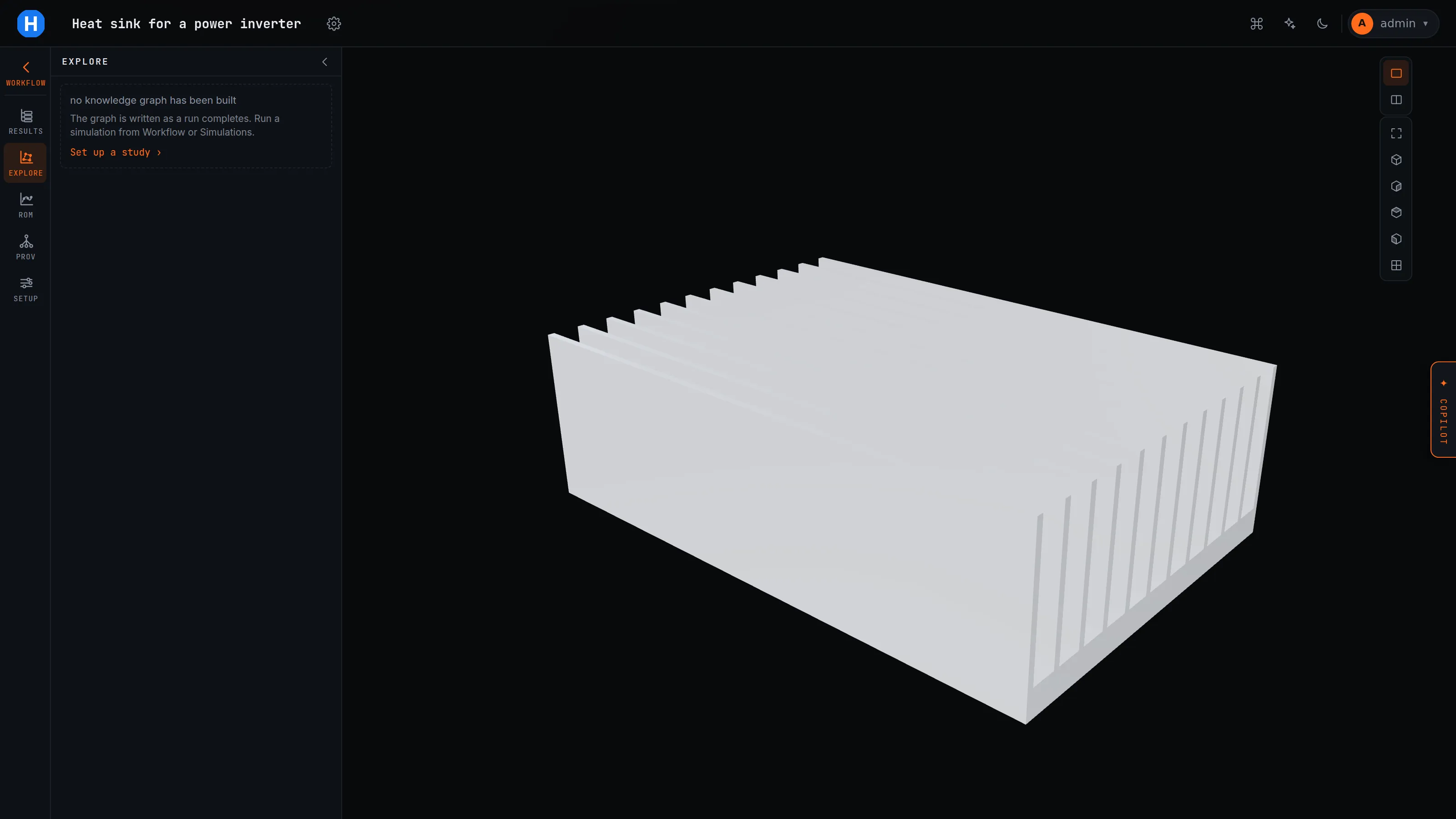
A map of the sampled space with a probe that snaps to a run that exists, and a parameter table for every coordinate. It names what limits the design at that point: a failure, a constraint or a margin. The reduced-order model behind it refuses to answer outside the sampled hull.
-
11 / 15
The record
An append-only graph under everything. Explain a number, diff two cases, see what went stale when an input changed, fork a variant, export JSON-LD.
-
12 / 15
Program
Requirements with allocation and margins; budgets for mass, power, thermal, cost, temperature, frequency, deflection and more; a verification matrix; and a caveat register that follows a number wherever it is shown. A von Mises field from linear tetrahedra stays marked.
-
13 / 15
Report
One click writes a PDF of what the project computed, with each run's state, gate verdict and quotability.
-
14 / 15
Copilot
Tools classed automatic, within your budget, or needs your click. A live canvas it draws as it works. Recipes it selects from.
-
15 / 15
Accounts
Organisations with admin, engineer and evaluator roles, invites, TOTP for admins and engineers, and usage and spend per user.